Files to Drive. Room to spare.
Back up Android folders to your own Google Drive. G-Sync checks each copy against the original before you reclaim the space.
Coming to Google Play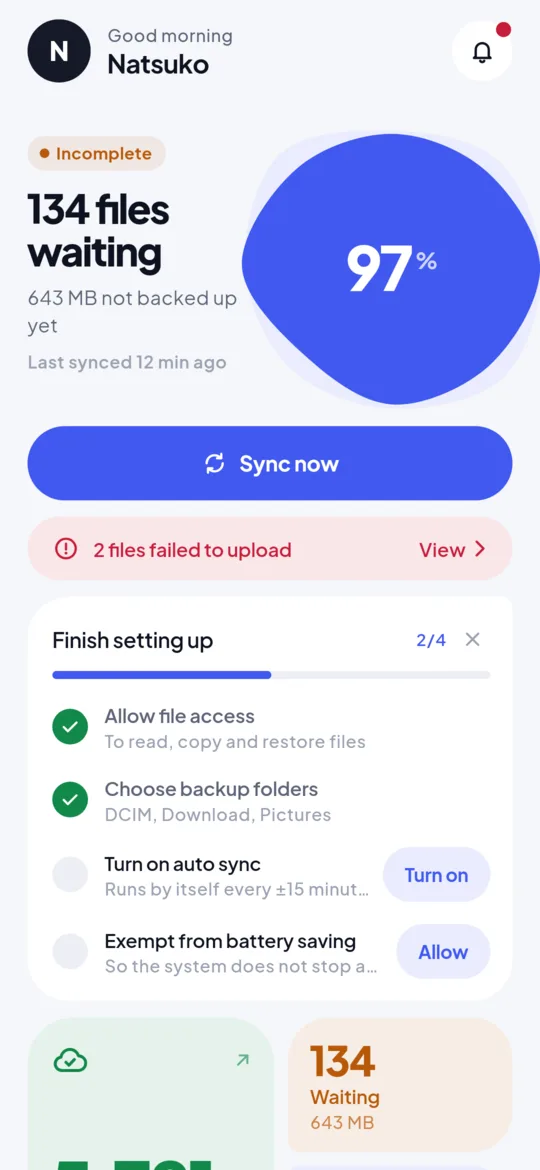
- Platform
- Android 7.0+
- Storage
- Google Drive
- Integrity check
- MD5 + size
- Data path
- Direct to Drive
The life of a file.
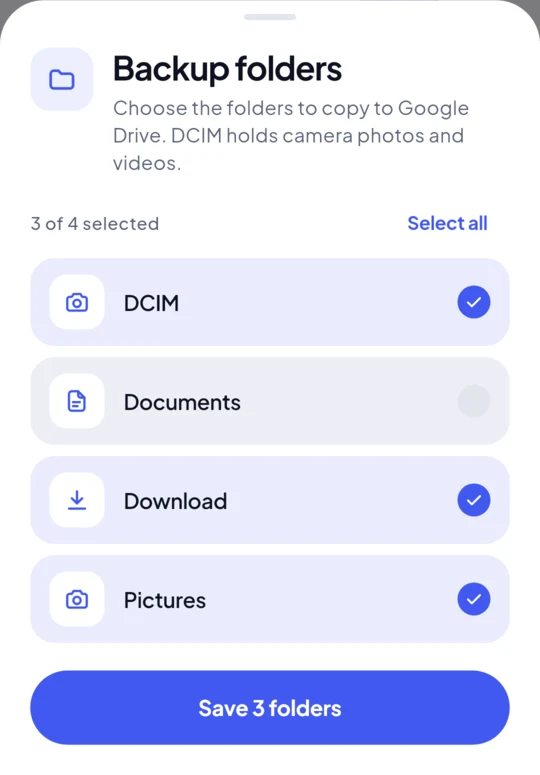
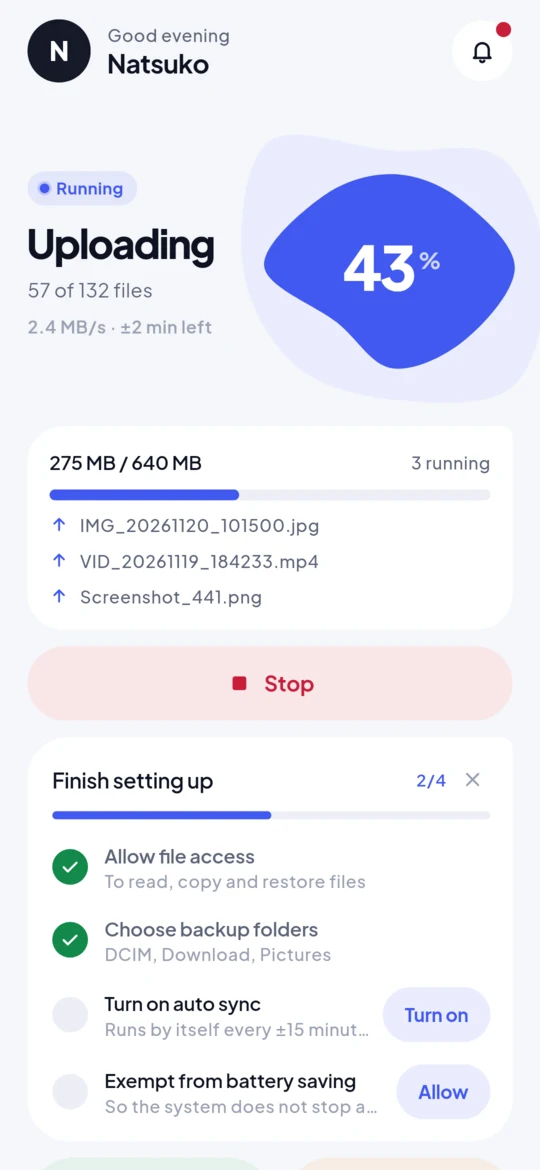
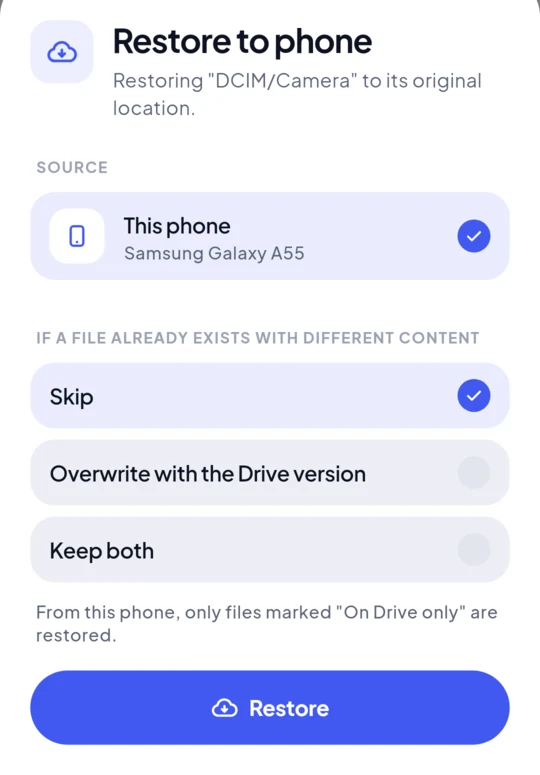
From its original folder to its copy on Drive, know exactly what happens to each file.
An archive
in your palm.
See which files are verified, waiting, or only on Drive. Set automatic sync to run on Wi-Fi or while your phone is charging.
Privacy ↗01Where are my files stored?
In your own Google Drive, inside G-Sync/<phone name>, with exactly the same folder layout as on your phone. We do not keep a copy.
02Can G-Sync see everything in my Drive?
No. It only asks for the drive.file permission: the app can only open files and folders it created itself.
03Why does it ask for "All files access"?
To read the folders you choose to back up, remove files that are already safe when you free up space, and write files when you restore. The permission is not used for anything else.
04If I delete a file on my phone, is it deleted from Drive?
No. G-Sync never deletes files in Drive. A file removed from the phone is marked "On Drive only" and can be restored.
05Does it use my Drive quota?
Yes. Your backup counts against your Google Drive storage, just like a manual upload.
06Is it paid?
It is free and has no ads right now. If paid features are added later, restoring your own files will stay free.